Sign in to dhivi POS
One sign-in opens your account page and your back office.
With your password
- Open the dhivi POS sign-in page.
- Type your Email or mobile number.
- Type your Password.
- Click Sign in.
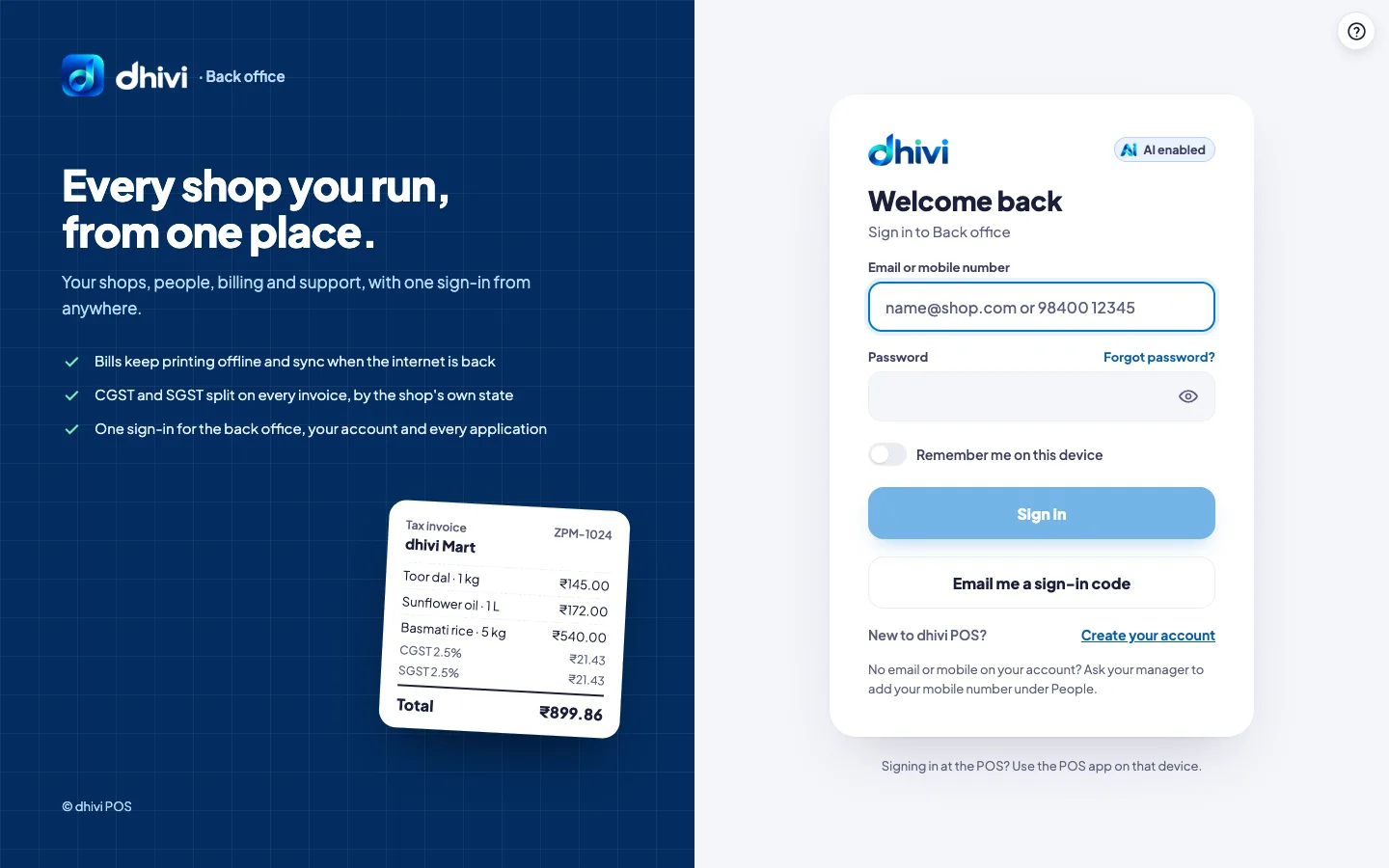
If you work at more than one shop, dhivi POS asks Which shop today? Click the shop.
With a code by email
No password to hand? Sign in with a code instead.
- Click Email me a sign-in code.
- Type your Email or mobile number and click Email me a code.
- Open the email from dhivi POS. Type the 6-digit code under Code.
- Click Sign in.
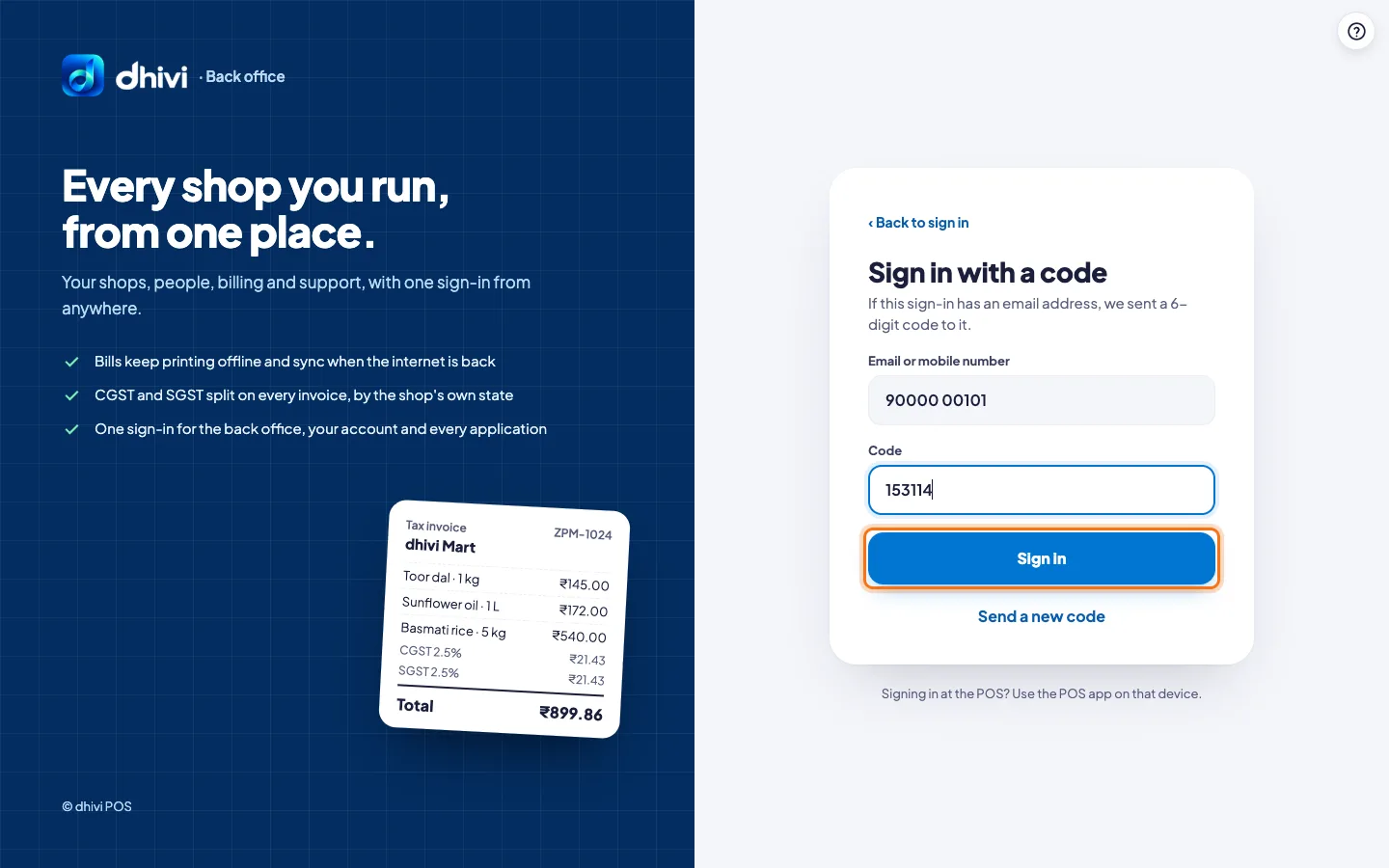
The code works for 10 minutes. It goes to the email on your account, so your account needs an email for this.
Forgot your password?
- Click Forgot password? next to Password.
- Type your Email and ask for a link.
- Open the email and choose a new password, at least 8 characters.
You are then signed out on all your other devices.
Good to know
- After several wrong passwords, dhivi POS emails you a code. Type it to finish signing in.
- Switch on Remember me on this device on your own computer only.
- No email or mobile number on your sign-in? Ask your manager to add your mobile number under People.
- Cashiers sign in on the POS itself. See Sign in to the POS.