Open the shift
Count the cash in the drawer before your first bill. At closing time dhivi POS checks the drawer against the bills.
Steps
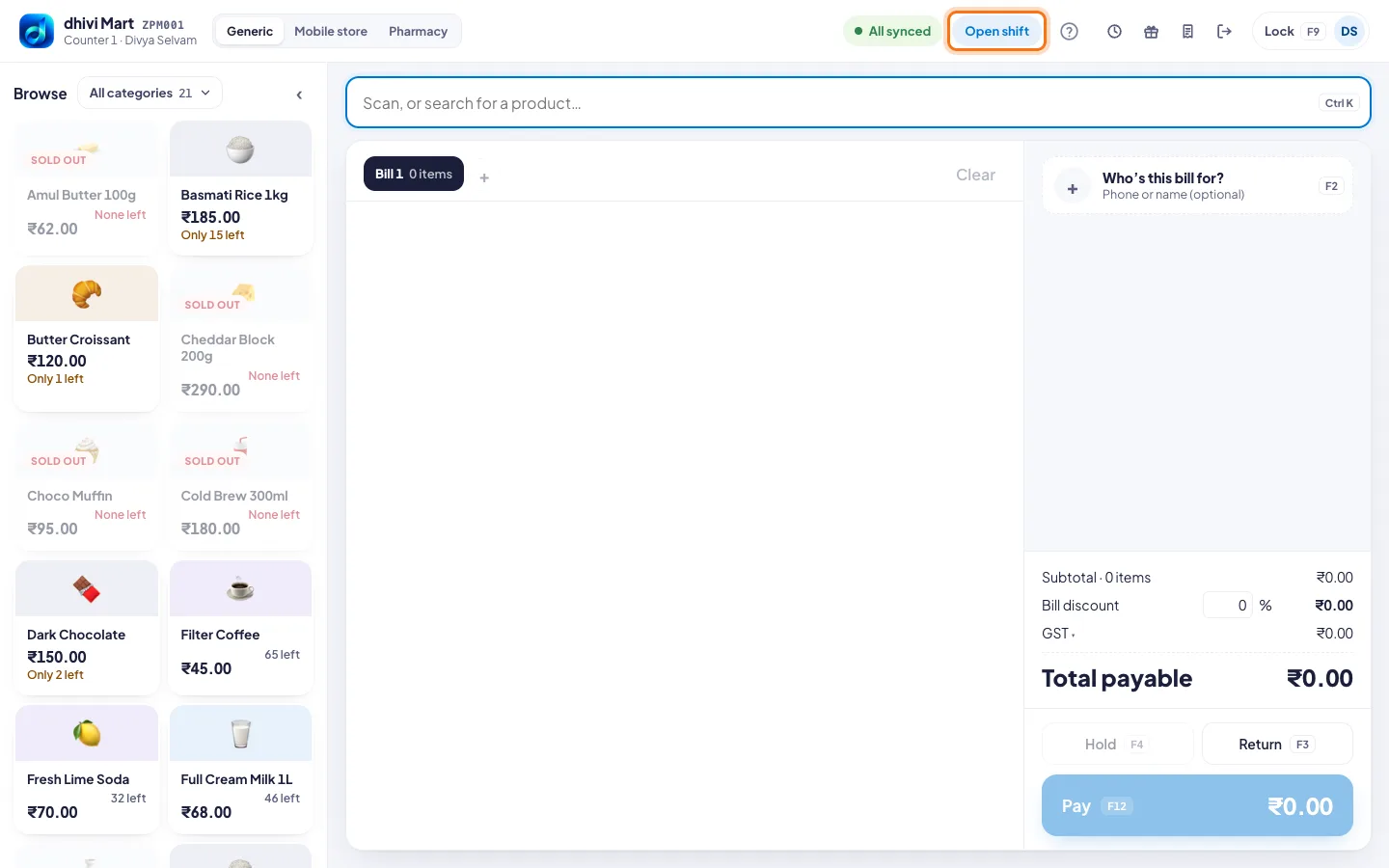
- Click Open shift at the top of the POS.
- Count the notes and coins in the drawer.
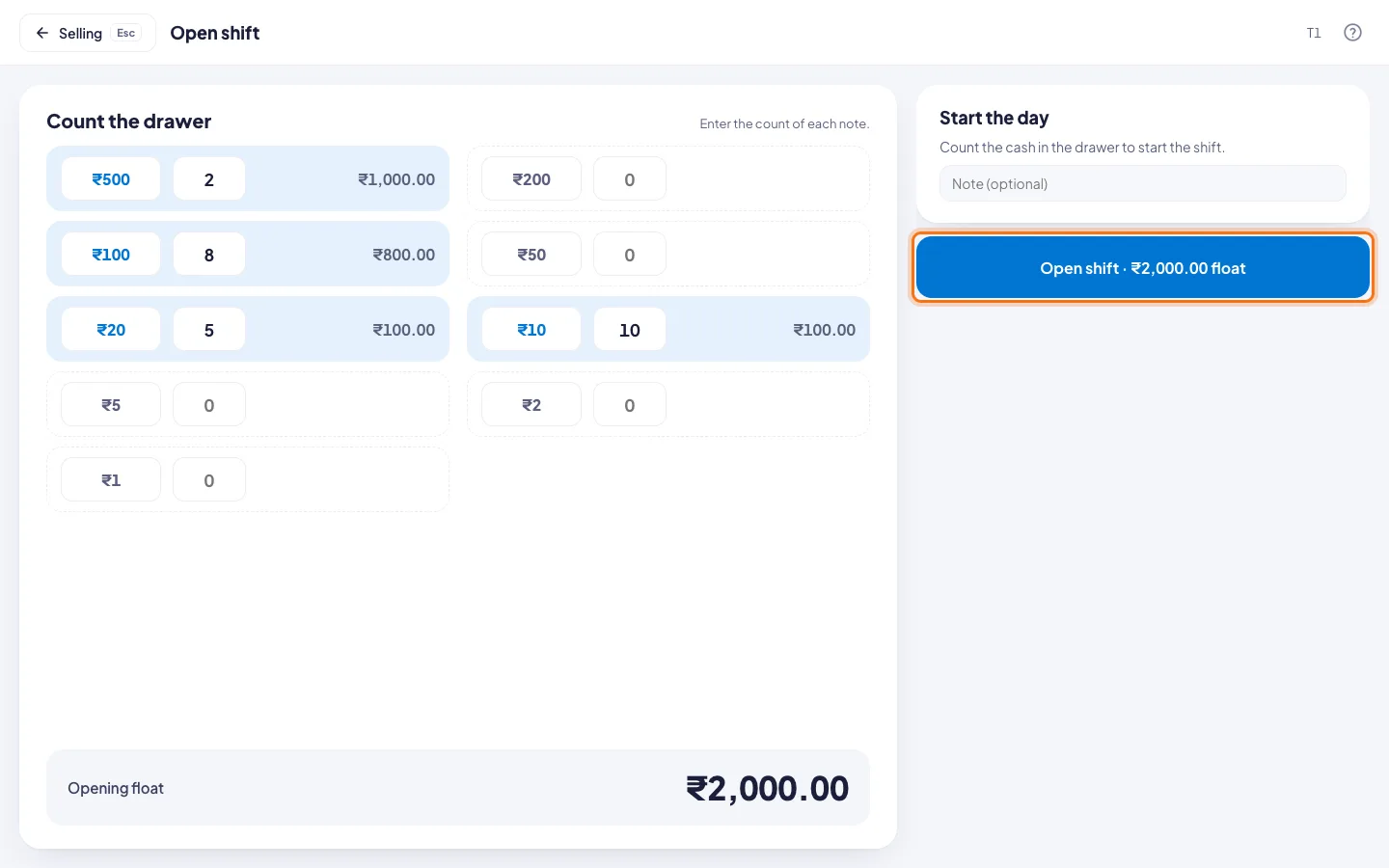
- Under Count the drawer, type how many of each: ₹500, ₹200, ₹100 and so on. The total adds up by itself.
- Check the Opening float at the bottom.
- Add a note if you need one.
- Click Open shift. The button shows the float, for example Open shift · ₹2,000.00 float.
Good to know
- The top of the POS now says Shift since and the time.
- At the end of the day, close the shift.