Contact customer support
Need help from a person? Contact dhivi POS customer support from the back office or from your account page. A reply comes by email and on your Support page.
From the back office
If your back office has Ask at the top of the page:
- Click Ask.
- Click Talk to support at the bottom of the panel.
Your questions to Ask and the page you were on go to support with it, so you do not have to explain twice. See Ask for help in the back office.
From your account page
- Sign in and open your account page.
- In the menu on the left, click Support.
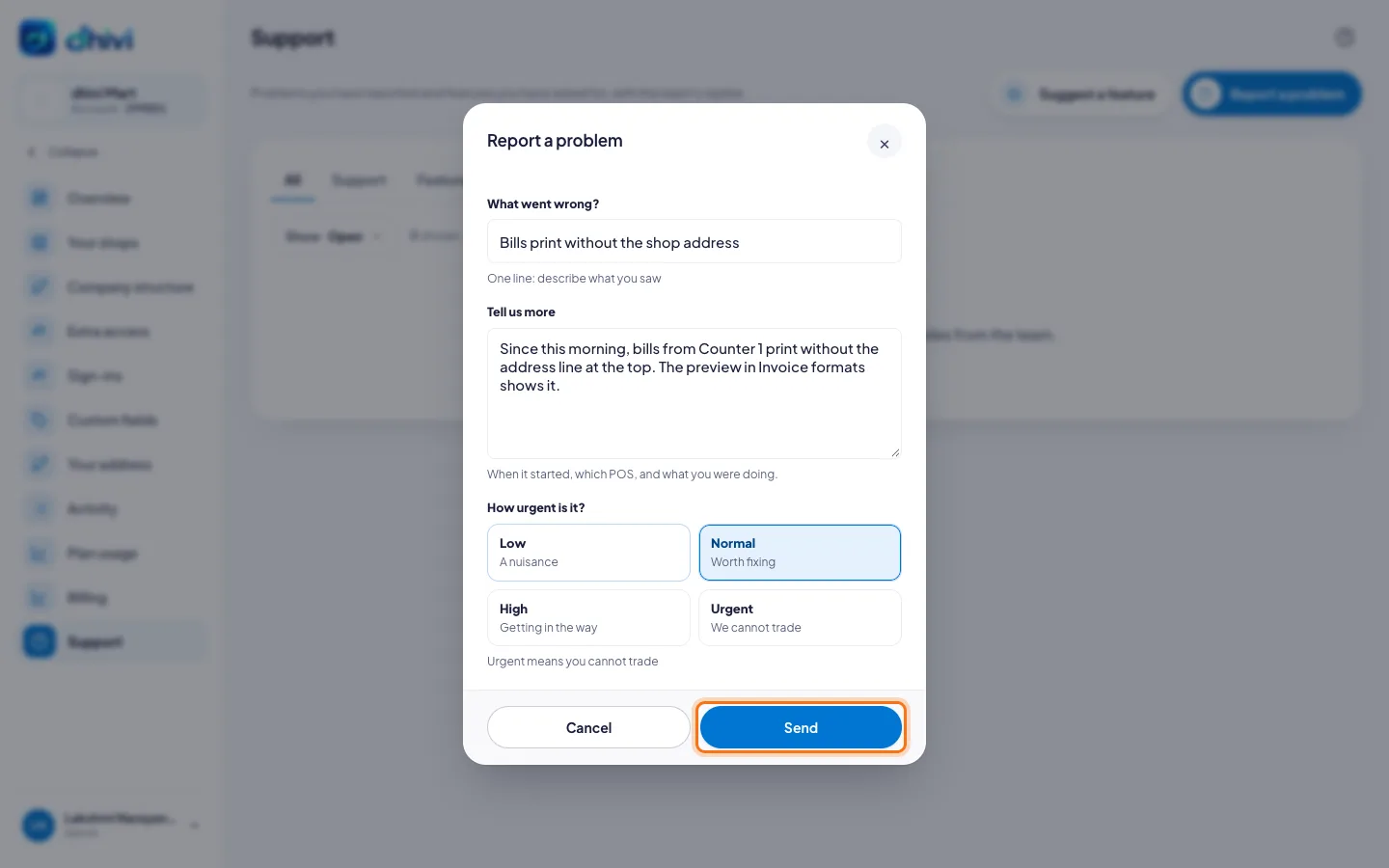
- Click Report a problem. To ask for something new, click Suggest a feature.
- Under What went wrong?, write a short subject.
- Under Tell us more, say what happened and what you expected.
- Pick How urgent is it? Choose urgent only if you cannot trade.
- Click Send.
Good to know
- Your requests and every reply are on the Support page of your account.