Cancel a bill
Cancel a whole bill made by mistake, during the same shift.
Steps
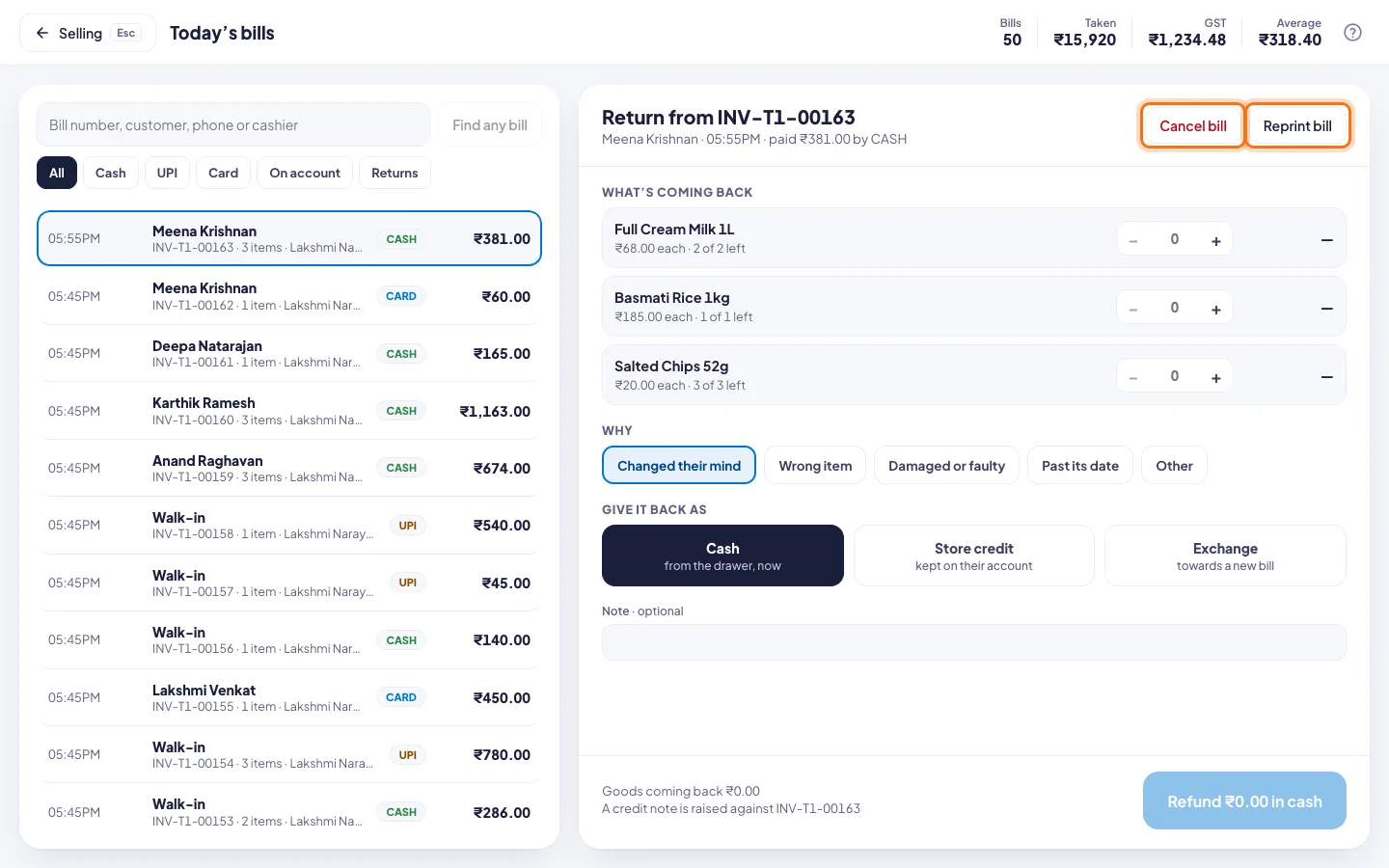
- Click the clock button at the top for Today's bills.
- Click the bill.
- Click Cancel bill.
- Under Why, pick a reason, for example Rung up by mistake or Payment did not go through. Add a note if you like.
- Click Cancel bill. If it says ask a manager, a manager types their PIN.
Good to know
- The goods go back on the shelf, and the amount comes out of the shift's takings.
- The bill stays in the list, marked Cancelled. Its number is never used again.
- Only bills from this counter's open shift can be cancelled. For anything older, take a return instead.