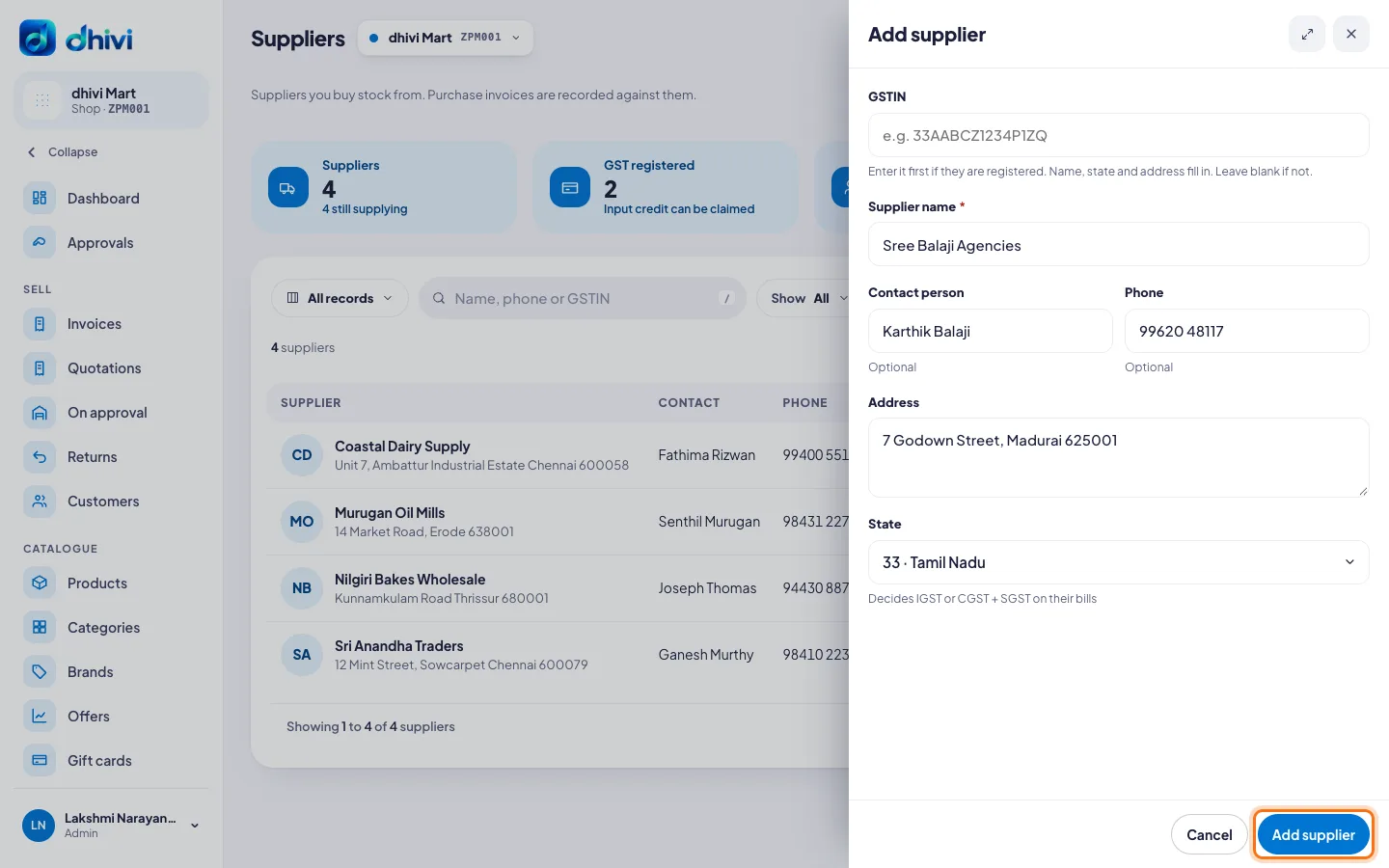
Add a supplier
Add the people you buy stock from, so every delivery is recorded against them.
Steps
- Click Suppliers in the menu.
- Click Add supplier.
- If they have a GSTIN, type it first. The name, state and address fill in by themselves.
- Otherwise type the Supplier name.
- Add a Contact person, Phone and Address if you like.
- Pick their State. It decides IGST, or CGST and SGST, on their bills.
- Click Add supplier.