Sell when stock shows zero
Sometimes goods are on the shelf before you have entered the delivery.
Steps
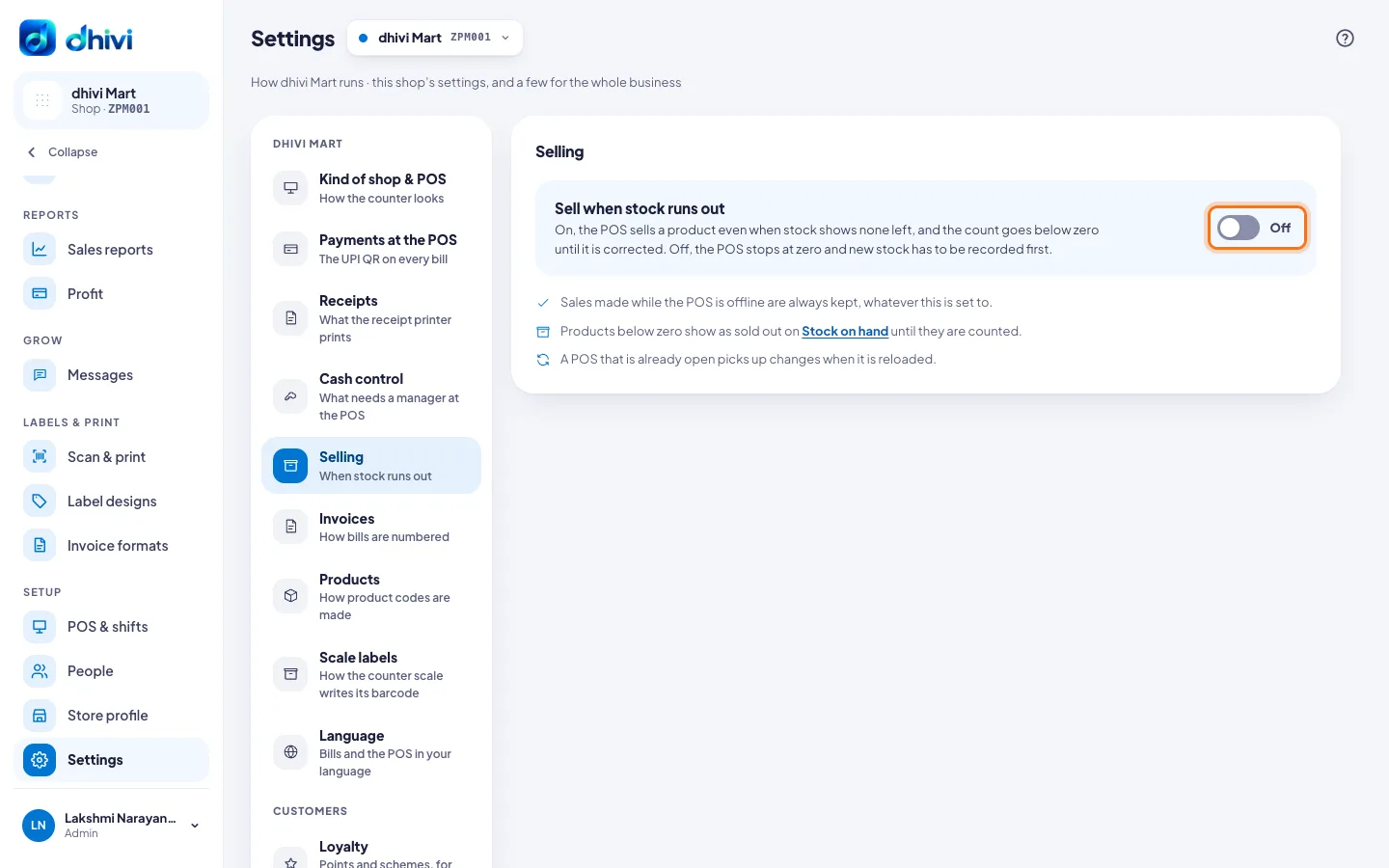
- In the menu, under Setup, click Settings, then Selling.
- Turn Sell when stock runs out on or off.
- On: the POS sells it anyway. The count goes below zero until you correct it.
- Off: the POS stops at zero. Enter the delivery first.
- It is saved as soon as you switch it. Reload the POS so it picks up the change.
Good to know
- A sale made while the POS was offline is always kept, because the goods have already gone.
- Products below zero show as sold out on Stock on hand until they are counted.
- Each shop has its own setting.