Lock the POS when you step away
Lock the screen so nobody else bills under your name. The bill you were on waits for you.
Lock
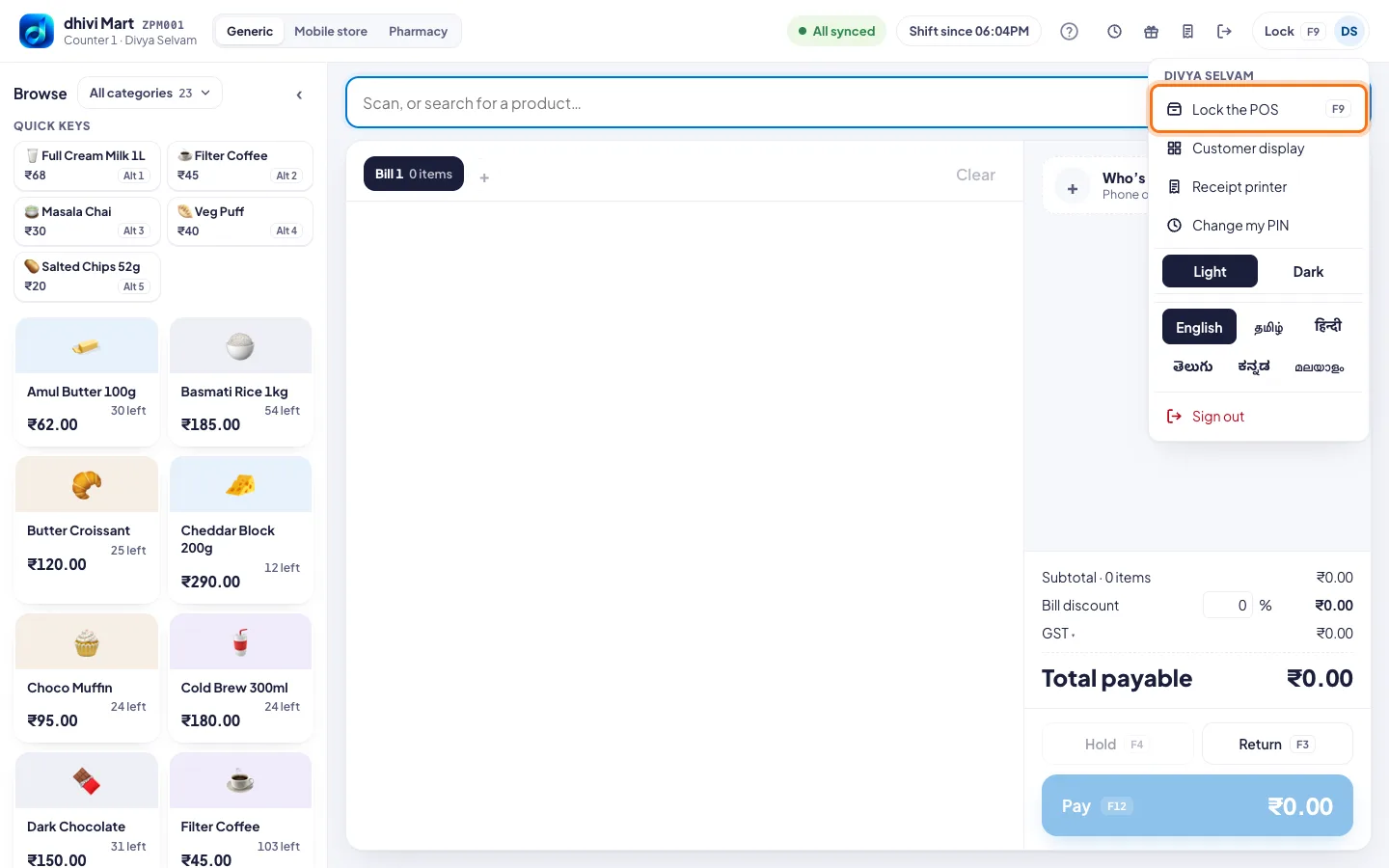
- Click Lock with your initials at the top right.
- Click Lock the POS. Or just press F9.
Unlock
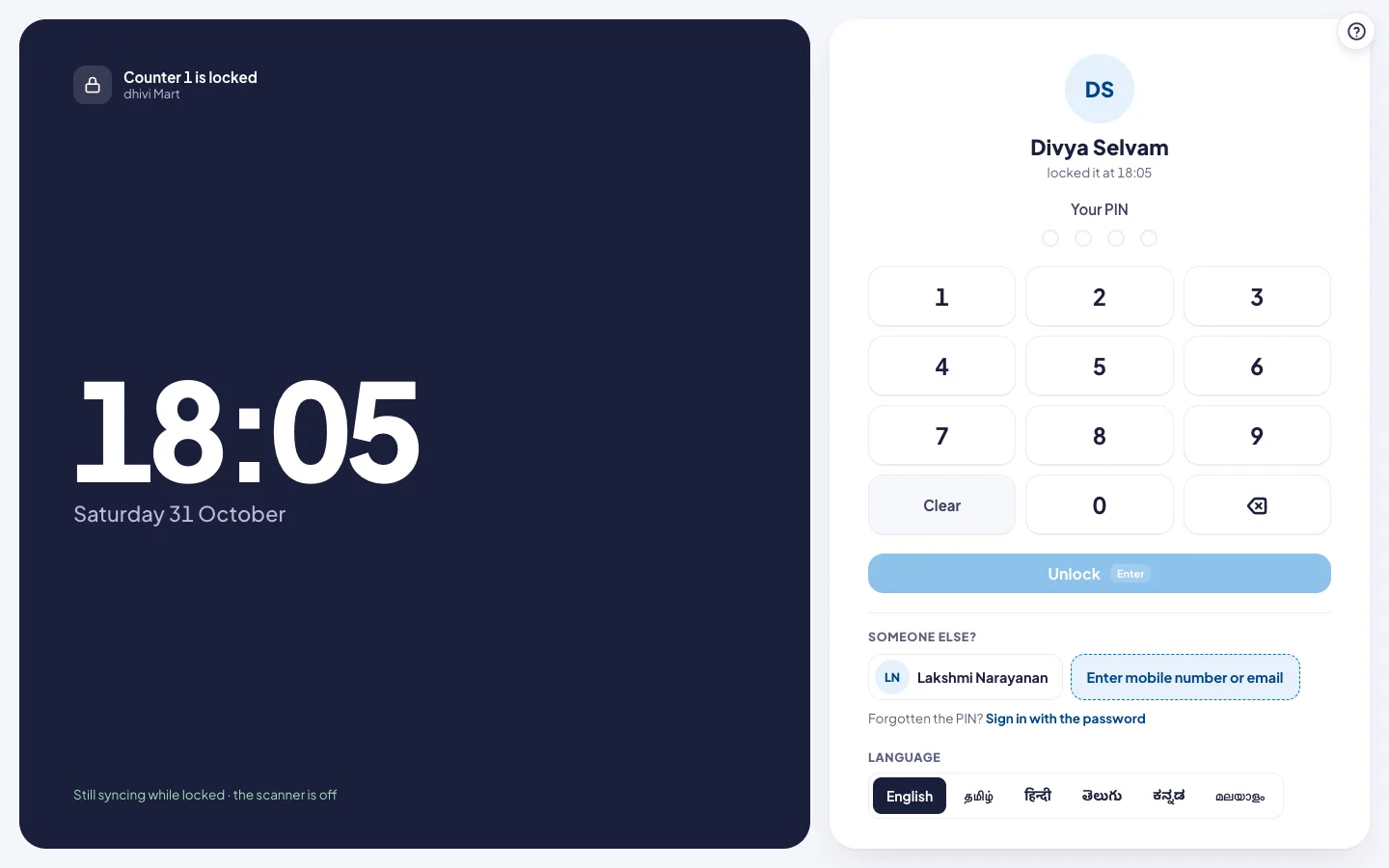
- Type your PIN on the keypad.
- Click Unlock, or press Enter.
Good to know
- Someone else taking over? Under Someone else?, they tap their name, or tap Enter mobile number or email, and type their own PIN.
- Forgotten the PIN? Tap Sign in with the password.
- While it is locked, the POS keeps syncing, and the scanner is off.