See how much you made
Profit shows what you made after the cost of the goods.
Steps
- Click Profit in the menu, under Reports.
- Pick the dates with the date button. Narrow it down with Cashier, Counter or Category if you need to.
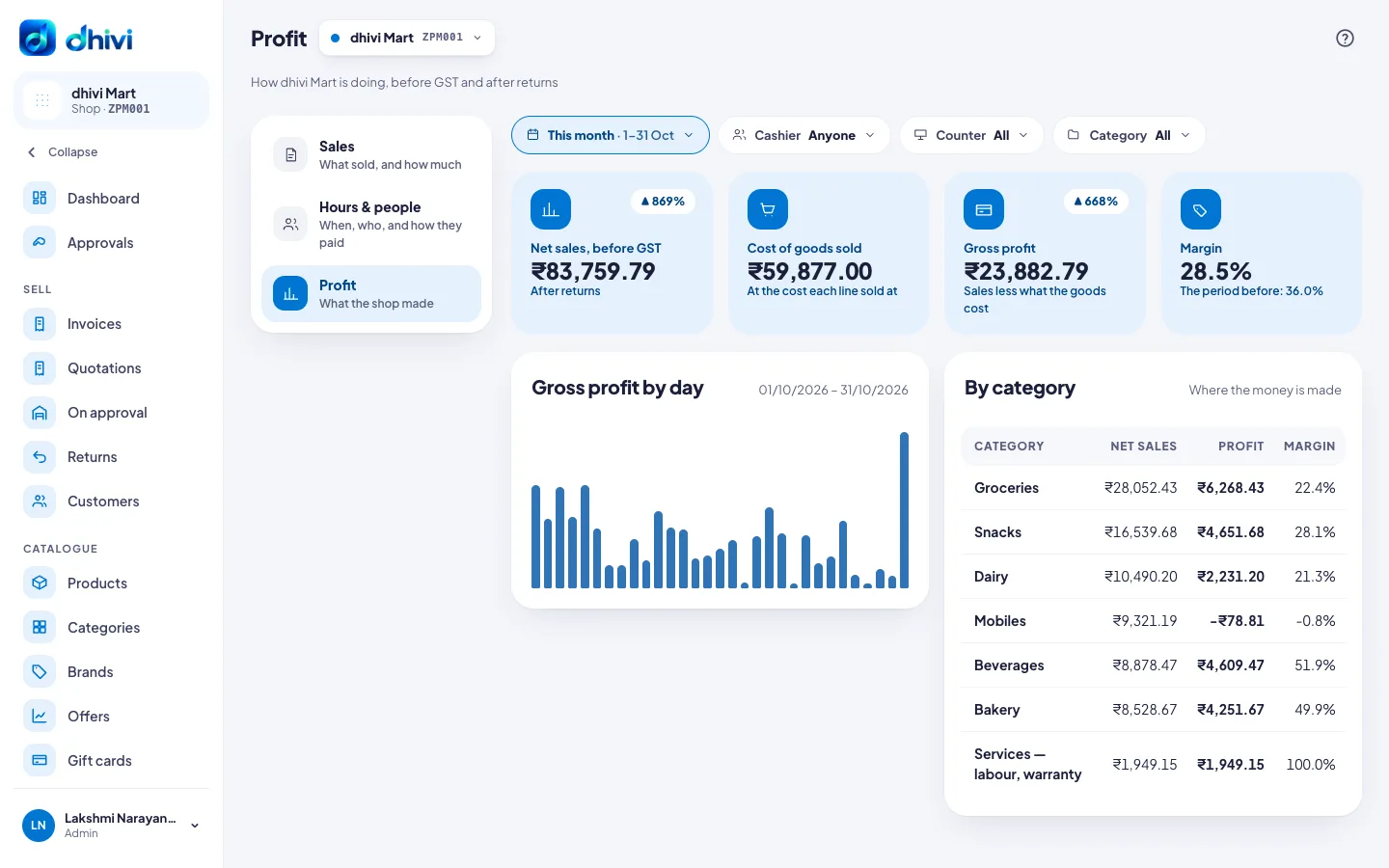
- Read the four boxes: Net sales, Cost of goods sold, Gross profit and Margin.
- Below them, Gross profit by day and By category show where the money is made.
Good to know
- Everything is before GST.
- Each bill line keeps the cost it was sold at, so later price changes do not change old profit.
- "Partly estimated" means some old bills had no cost saved, so today's cost is used for them.