Download your GST returns
Get your month's sales the way GSTR-1 and GSTR-3B want them.
Steps
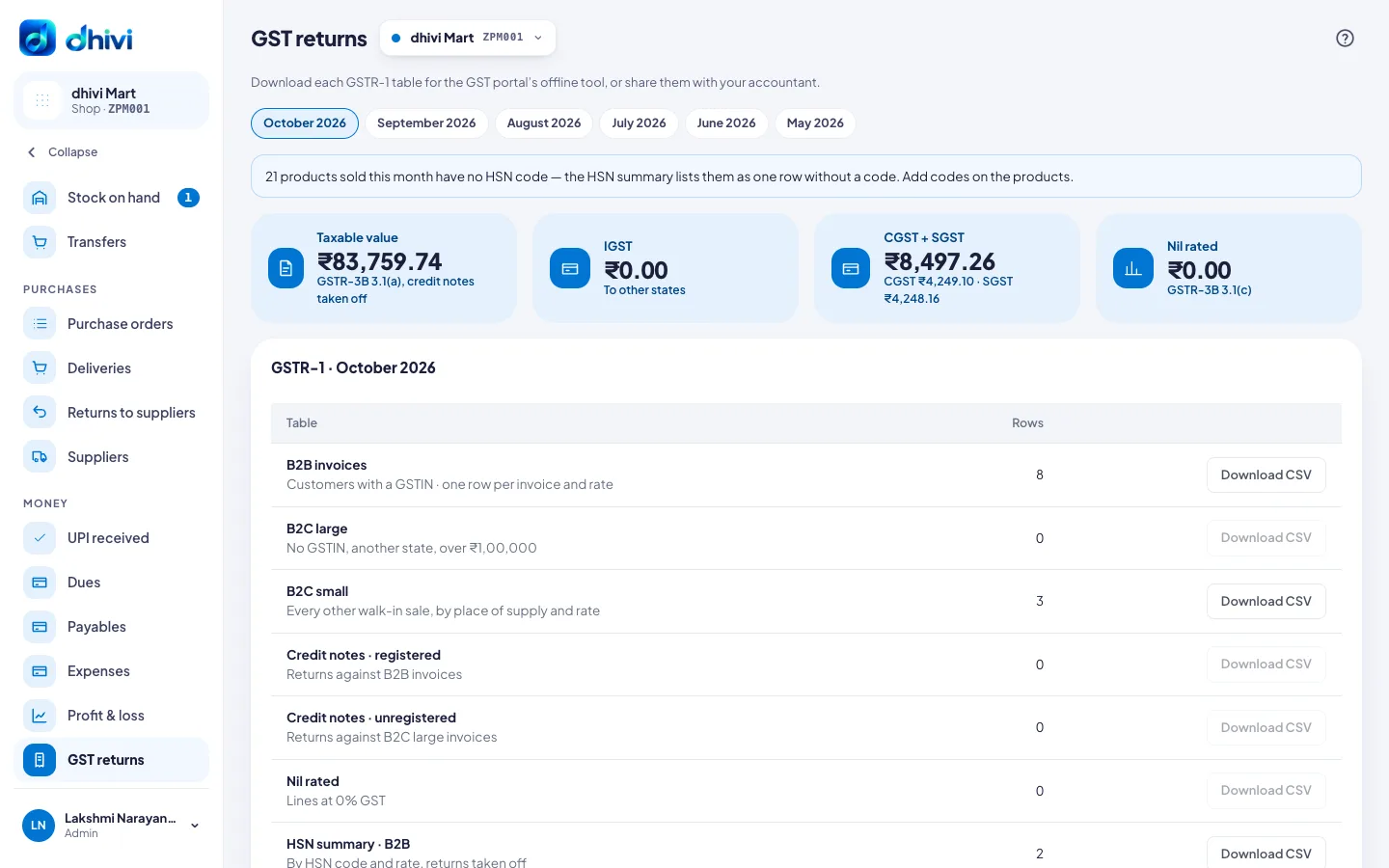
- Click GST returns in the menu.
- Pick the month at the top. It opens on last month.
- Check the totals: taxable value, IGST, CGST and SGST.
- Click Download CSV next to each GSTR-1 table you need.
- Upload them in the GST portal's offline tool, or send them to your accountant.
Good to know
- B2B is for customers with a GSTIN. Add it to the customer so it lands there.
- Returns are taken off as credit notes.
- A note at the top lists products sold with no HSN code. Add codes on the products so the HSN summary is complete.